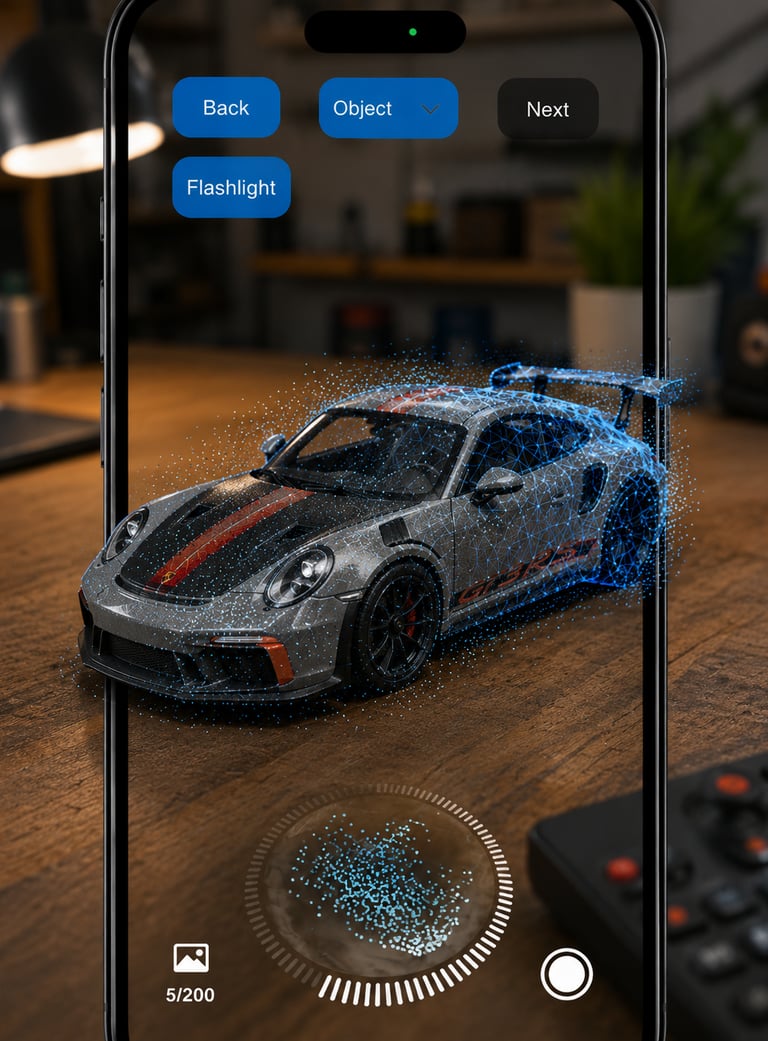




Polycam Alternative: Create 3D Models with Your Smartphone
Discover how Polycam creates 3D models using LiDAR and photogrammetry and learn how to scan objects and rooms directly with a mobile 3D scanner app.
IPHONE 3D SCANNER
Simona Kemper
6/6/20263 min read
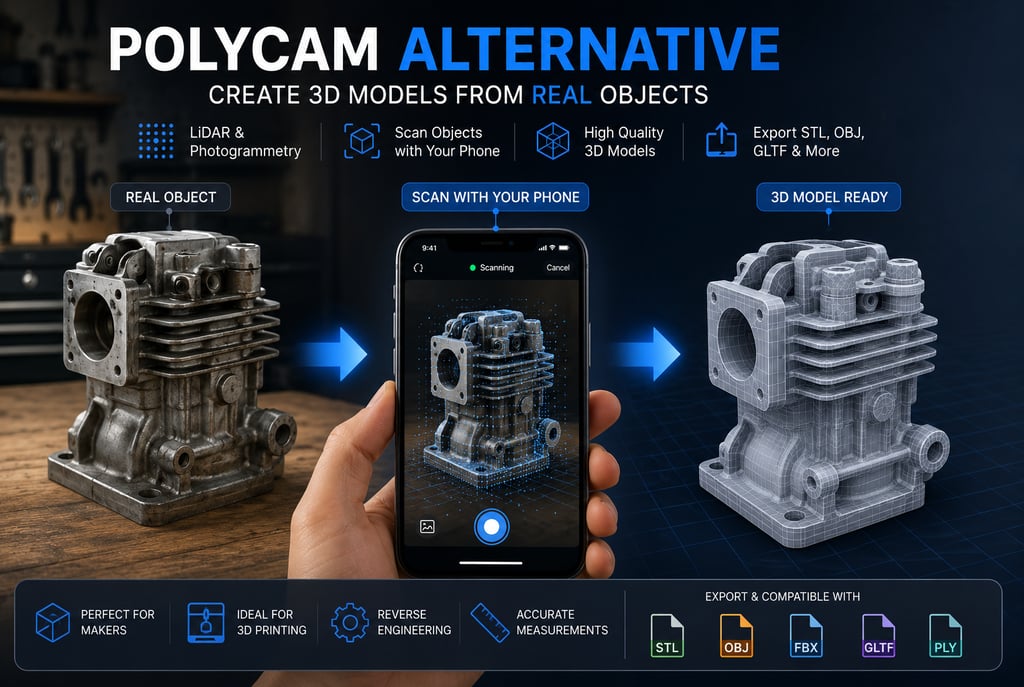
Polycam Alternative: Create 3D Models with Your Smartphone
3D scanning has become one of the fastest-growing technologies for creators, designers, engineers, architects, and hobbyists. Apps like Polycam have made it possible to create detailed 3D models directly from a smartphone without expensive scanning hardware.
But what exactly is Polycam, and are there alternatives for creating 3D models from photos and LiDAR scans?
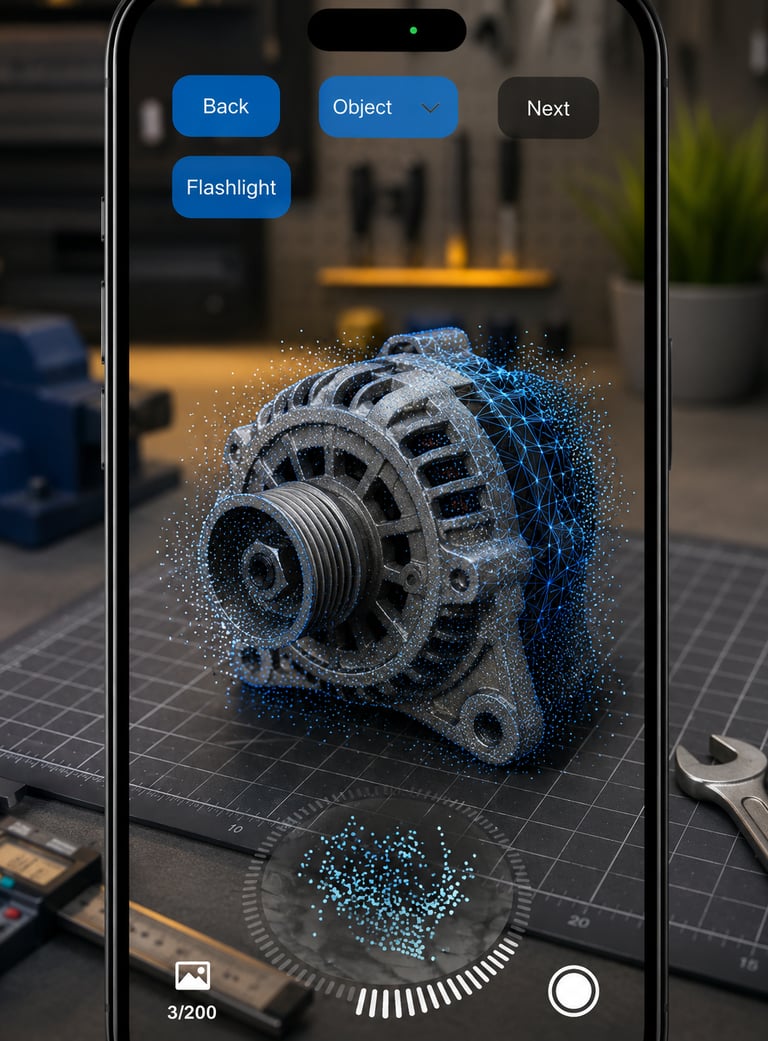
Looking for a simple way to create 3D models from your scan?
Try 3D Scanner →
What Is Polycam?
Polycam is a popular mobile 3D scanning platform that allows users to create digital 3D models using smartphone cameras, LiDAR sensors, and photogrammetry techniques.
The app can capture:
Objects
Rooms
Buildings
Construction sites
Furniture
Interior spaces
Modern smartphones can generate highly detailed 3D meshes using hundreds of photos combined with AI-powered reconstruction algorithms and LiDAR depth information.
How Does Smartphone 3D Scanning Work?
There are two common methods.
LiDAR Scanning
LiDAR sensors measure distances by emitting light pulses and calculating how long they take to return.
Advantages:
Fast scanning
Accurate room dimensions
Real-time feedback
Excellent for large objects and interiors
Photogrammetry
Photogrammetry creates 3D models from multiple overlapping photographs.
Advantages:
Works on most smartphones
Captures detailed textures
Ideal for small and medium-sized objects
No LiDAR required
Many modern 3D scanner apps combine both technologies for improved results.
What Can You Scan in 3D?
A mobile 3D scanner can be used for:
Furniture
Home interiors
Statues
DIY projects
Mechanical parts
Architecture
Real estate documentation
Game assets
3D printing models
The ability to convert real-world objects into digital models opens up new possibilities for design, visualization, and manufacturing.
Why Use a Mobile 3D Scanner?
Traditional 3D scanners often cost hundreds or even thousands of dollars.
Smartphone-based scanning offers:
Lower cost
Easy portability
Fast model generation
Direct sharing
Export for CAD and 3D software
For many creators, smartphone scanning provides more than enough accuracy for planning, visualization, and prototyping tasks.
Polycam Alternative for Everyday Users
While Polycam is a powerful platform, many users simply want a straightforward way to scan rooms or objects and create usable 3D models.
A dedicated 3D Scanner App can provide a simpler workflow focused on:
Quick object scanning
Room capture
Interior visualization
3D model creation
Export for further editing
For homeowners, DIY enthusiasts, interior designers, and makers, a mobile 3D scanner is often the fastest way to digitize real-world spaces and objects.
3D Scanning for 3D Printing
One of the fastest-growing use cases for mobile scanning is 3D printing.
Users can:
Scan an object.
Generate a digital 3D model.
Export the model.
Refine it in CAD software.
Prepare it for printing.
This workflow significantly reduces modeling time and makes reverse engineering easier for beginners.
The Future of Mobile 3D Scanning
With advances in LiDAR sensors, AI reconstruction, and smartphone cameras, mobile 3D scanning is becoming more accurate every year.
What once required expensive hardware can now be done with a phone in your pocket.
Whether you are documenting a room, creating a digital twin, preparing a model for 3D printing, or simply exploring new creative possibilities, modern 3D scanner apps make 3D capture accessible to everyone.
Final Thoughts
Polycam has helped popularize smartphone-based 3D scanning, but it is no longer the only option available.
Modern 3D scanner apps allow users to create impressive digital models directly from photos and LiDAR scans, making 3D capture easier and more affordable than ever before.
Looking for a simple way to create 3D models from your scan?
Try 3D Scanner →