




Polycam Floor Plans: Can You Create Accurate Floor Plans with Your iPhone?
Learn how Polycam creates floor plans using LiDAR scanning and discover an easy alternative for scanning rooms and generating floor plans directly on your smartphone.
IPHONE 3D SCANNER
Simona Kemper
6/4/20263 min read
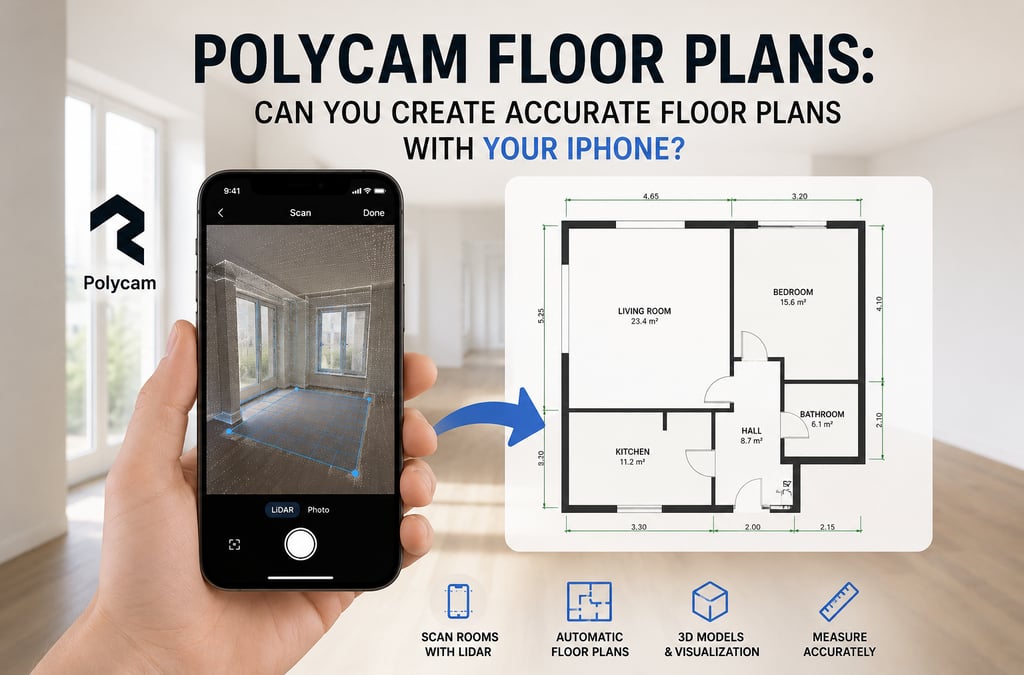
Polycam Floor Plans: Can You Create Accurate Floor Plans with Your iPhone?
Creating a floor plan used to require measuring tapes, laser distance meters, and hours of manual work. Today, apps like Polycam allow users to scan rooms with their smartphone and generate floor plans automatically.
But how accurate are these scans, and is Polycam the right choice for every project?
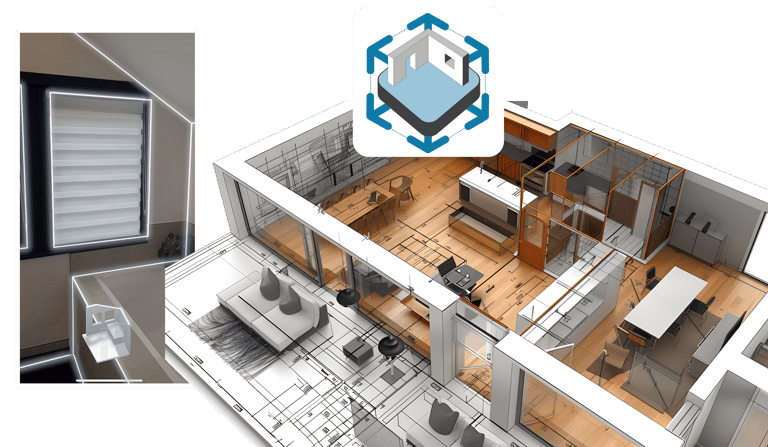
Looking for a simple way to create floor plans from room scans?
Try Floor Plan Scanner →
https://cad-floor-plan.com/floor-plan-scanner
What Is Polycam?
Polycam is a popular 3D scanning application that uses your smartphone camera and LiDAR sensor to capture rooms, buildings, and objects. The app can generate 3D models and create 2D floor plans from room scans.
For compatible iPhone Pro and iPad Pro devices, Polycam can automatically detect walls, doors, windows, and room dimensions during the scanning process. The resulting floor plans can then be edited and exported for further use.
How Does Polycam Create Floor Plans?
The process is surprisingly simple:
Open the app and start a room scan.
Walk through the room while pointing the camera at walls and corners.
The app records spatial information using LiDAR and computer vision.
A floor plan is generated automatically.
Measurements and room labels can be adjusted afterward.
This workflow allows homeowners, real estate agents, architects, and DIY enthusiasts to create floor plans much faster than traditional manual measurement methods.
Advantages of Polycam
Fast Room Scanning
A complete room can often be scanned within minutes.
Automatic Floor Plan Generation
The app converts spatial data into a 2D floor plan without requiring manual drawing.
3D Visualization
In addition to floor plans, users can generate detailed 3D models of rooms and buildings.
Measurement Tools
Room dimensions, wall lengths, and areas can be reviewed directly within the app.
Limitations to Consider
While Polycam is impressive, there are some limitations:
Best results require a LiDAR-enabled iPhone or iPad.
Complex room layouts may need manual corrections.
Professional architectural surveys still require specialized equipment.
Advanced floor plan features are part of paid plans.
An Alternative for Floor Plan Scanning
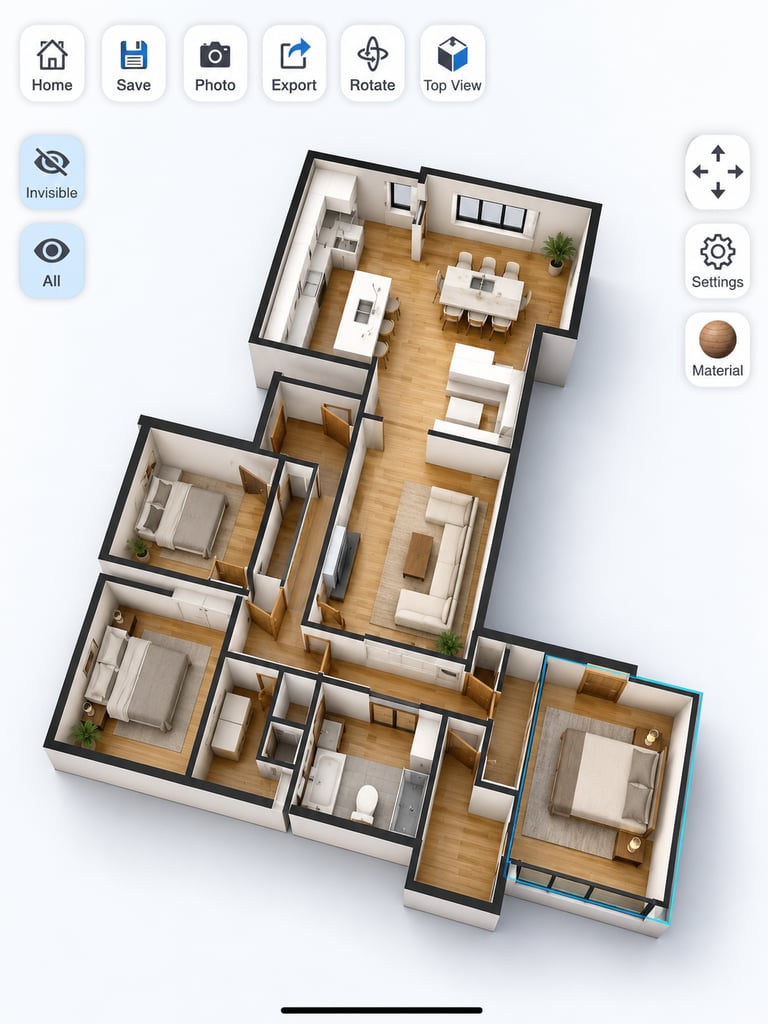
If your primary goal is to quickly scan rooms and create floor plans for renovation, interior design, DIY projects, or home documentation, dedicated floor plan scanning apps can provide a simpler workflow.
Our Floor Plan Scanner focuses specifically on room measurement and floor plan creation, helping users generate floor plans directly from scanned spaces without the complexity of professional 3D modeling software.
Whether you are planning a renovation, designing furniture layouts, or documenting a property, a dedicated floor plan scanner can save significant time compared to manual measurements.
Which App Is Right for You?
Choose Polycam if you need:
3D models
LiDAR scanning
Professional export formats
Architectural visualization
Choose a Floor Plan Scanner if you need:
Fast room measurements
Simple floor plan creation
Interior planning
Home renovation projects
DIY floor plan generation
Final Thoughts
Smartphone-based room scanning has improved dramatically in recent years. Apps like Polycam demonstrate how modern devices can generate accurate floor plans and 3D models in minutes.
For homeowners and DIY users, floor plan scanning apps make it easier than ever to measure rooms, plan renovations, and create digital floor plans directly from a smartphone.
As LiDAR technology becomes more common, floor plan scanning is likely to become a standard feature for property owners, designers, and contractors alike.
Looking for a simple way to create floor plans from room scans?
Try Floor Plan Scanner →
https://cad-floor-plan.com/floor-plan-scanner